
product manager · claude
Customer interview — finding saved
FindingAmbix is your team’s shared product context — where strategy, priorities, decisions and learnings live as structured data your AI tools can reason from, and your whole team can navigate without booking a meeting.
Work through Claude or Cursor. When something matters, it lands in Ambix — connected to the strategy and initiatives it belongs to. When the next session starts, that context is already there. Over time, the whole team moves from the same understanding of why — not just what.
Works with any AI tool that speaks MCP — an open standard, so you’re not tied to one vendor.
You’re running a customer interview in your AI tool. You dig into pain points, map them against competitors, pull together hours of analysis. When you’re done, you say: “Save this in Ambix.”
Your AI tool creates a Finding and asks which initiatives and opportunities it affects. You confirm in seconds. The next time priorities get set, that analysis is already in the room.
Your Finding lands as a link in a chain — the opportunity it informs, the initiative it shapes, the objective it serves, up to the why. One thread, and you can walk it in either direction.
So it goes both ways. Mid-task, ask your AI tool “what’s the why behind this initiative?” — it walks that thread back: the strategy, the decisions, the context, inline. No tab-switch. No meeting. No waiting for the person who was there when the decision was made.
The next morning, your teammate’s session already knows. Everyone navigates from the same understanding of why — not because they were told, but because the context is there when they need it.
Each teammate adds Ambix to the AI tool they already use. Takes about two minutes — pick your client below.
Paste in the strategy doc you already wrote. Your AI tool reads it with you and files it as strategy, initiatives and findings — nothing to re-write.
Work as usual. When something matters, say the words — it lands connected to the strategy and initiatives it affects, and the next session starts from there.
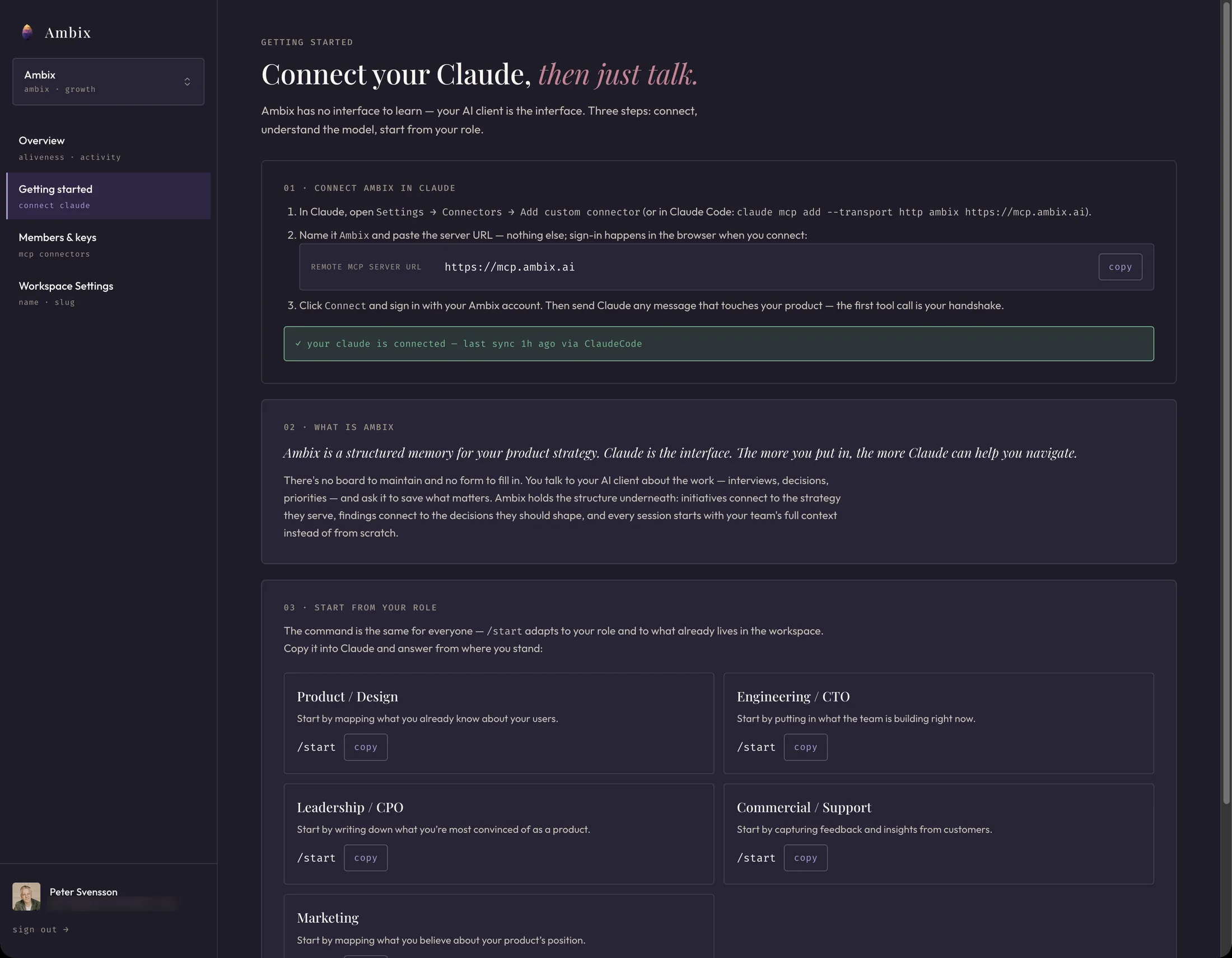
Not a storage bucket. Not another silo of information. Ambix is your shared product context — the why behind the work, structured so your whole team can reach it.
Your existing product development tools stay exactly as they are. Ambix connects through MCP and works alongside them — so strategy and priorities stay aligned with the work happening everywhere else.
Your engineers change nothing: same editor, one new connection, and the shared product context is just there.
Sessions end. What mattered in them doesn’t — it lands in the shared product context, linked to the strategy and initiatives it affects.
The web app shows where things stand — strategy, active initiatives and latest findings — without requiring an AI license. It’s an overview of the strategy, priorities and progress your team has built together.
Because alignment shouldn’t require an AI license, the product team can leverage the power behind their AI clients to pull together clear summaries, visuals and presentations from the workspace — and share them in seconds. Removing the need for static documents to update and keep track of.
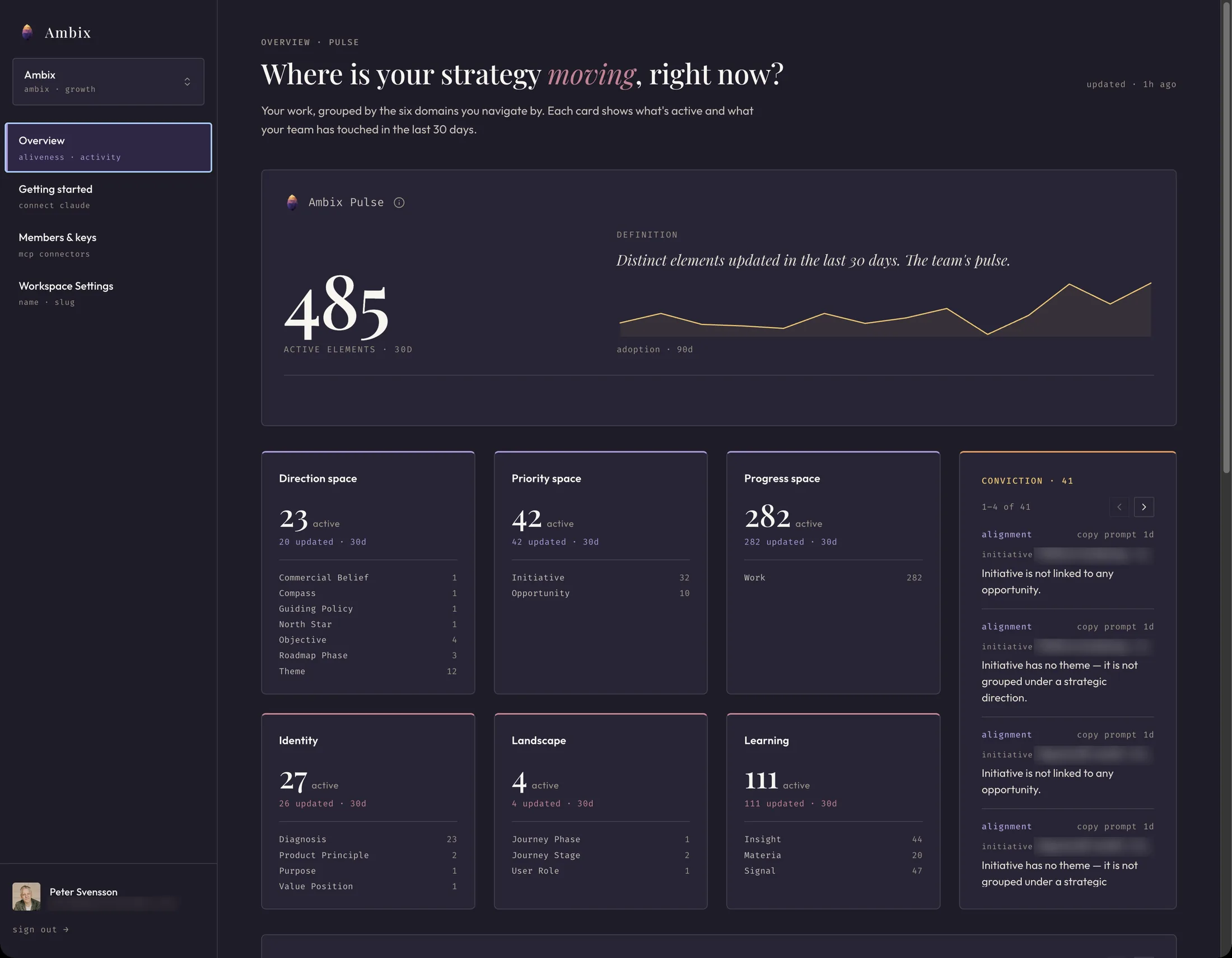
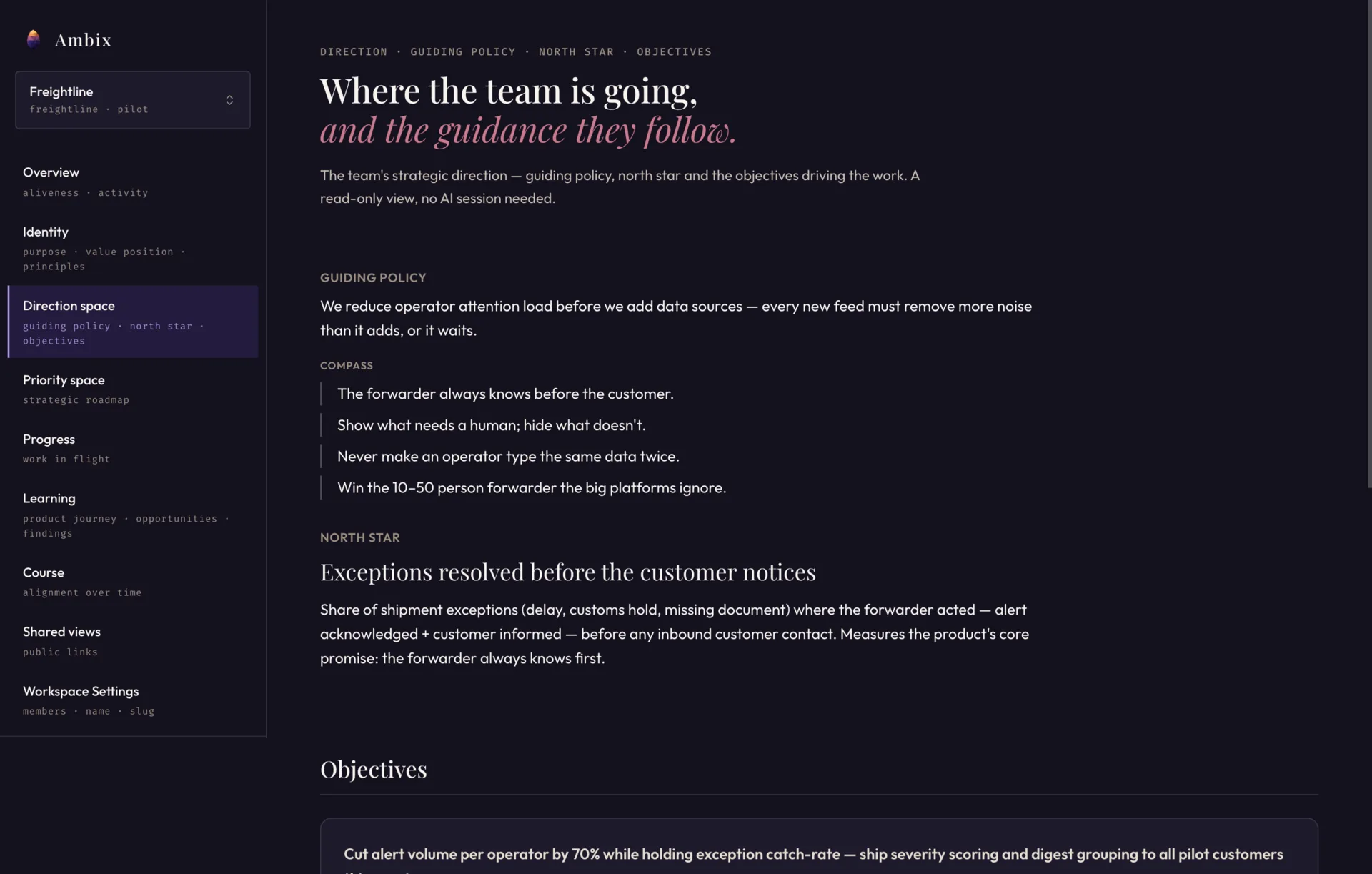
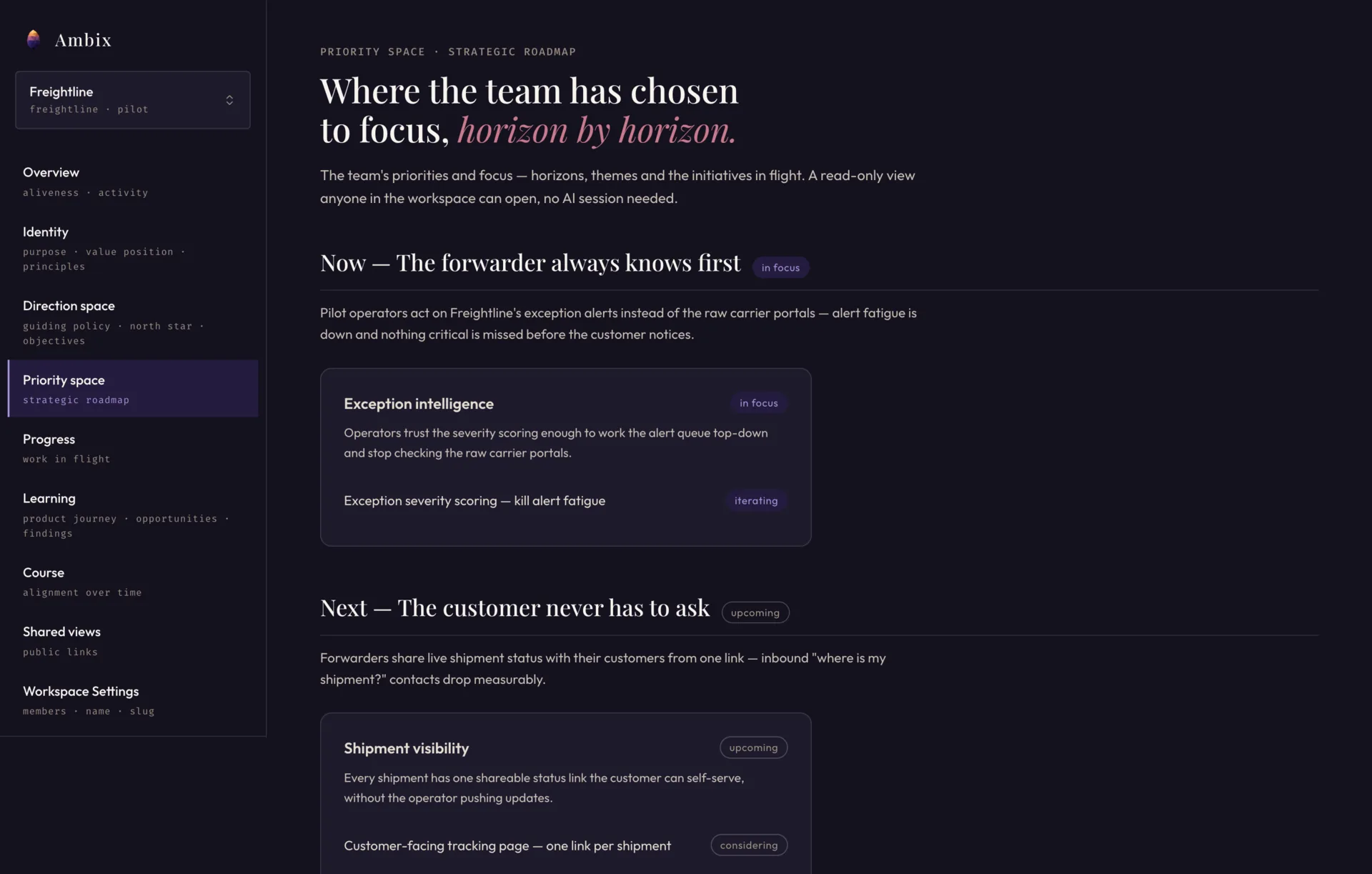
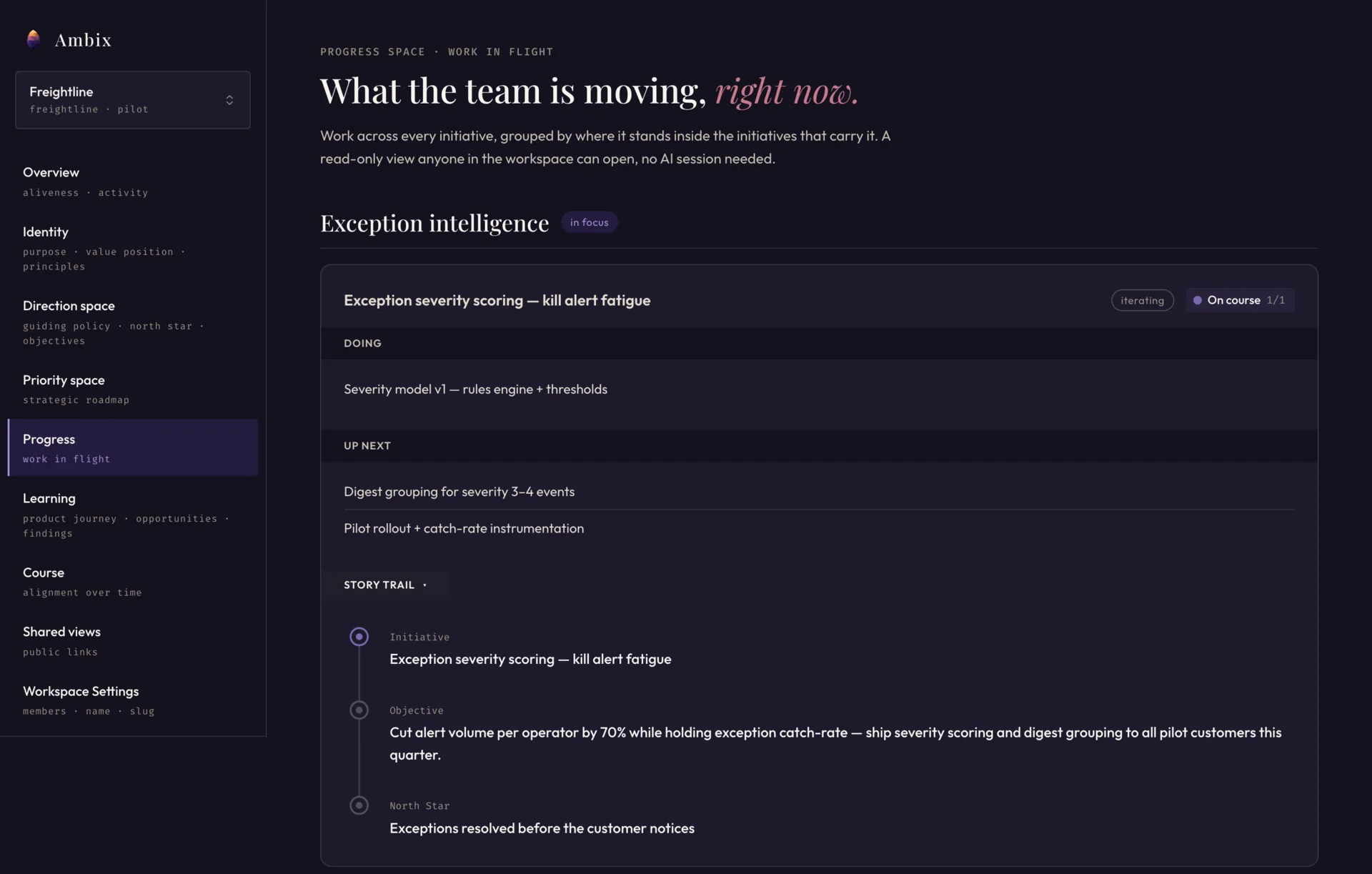
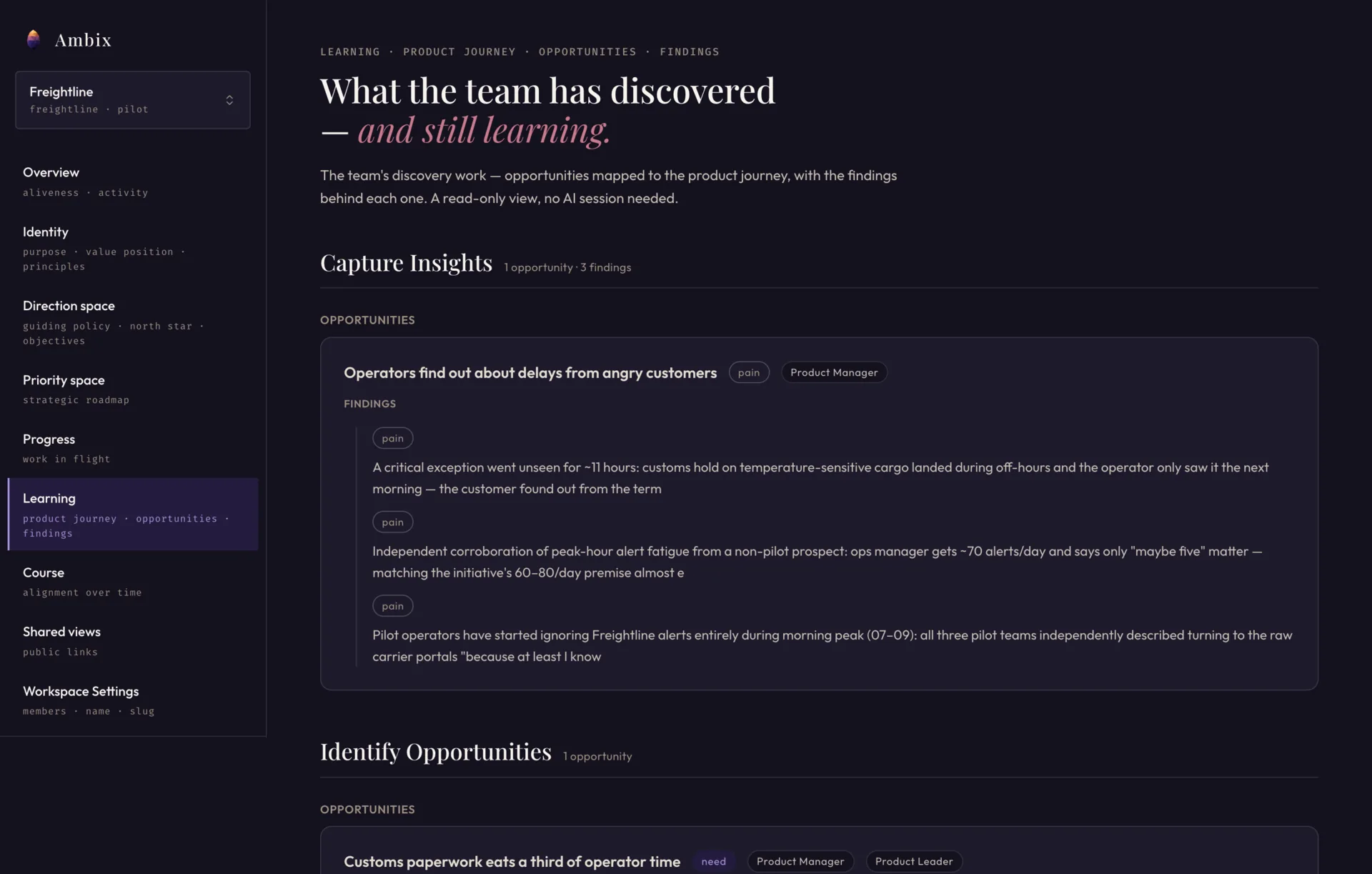
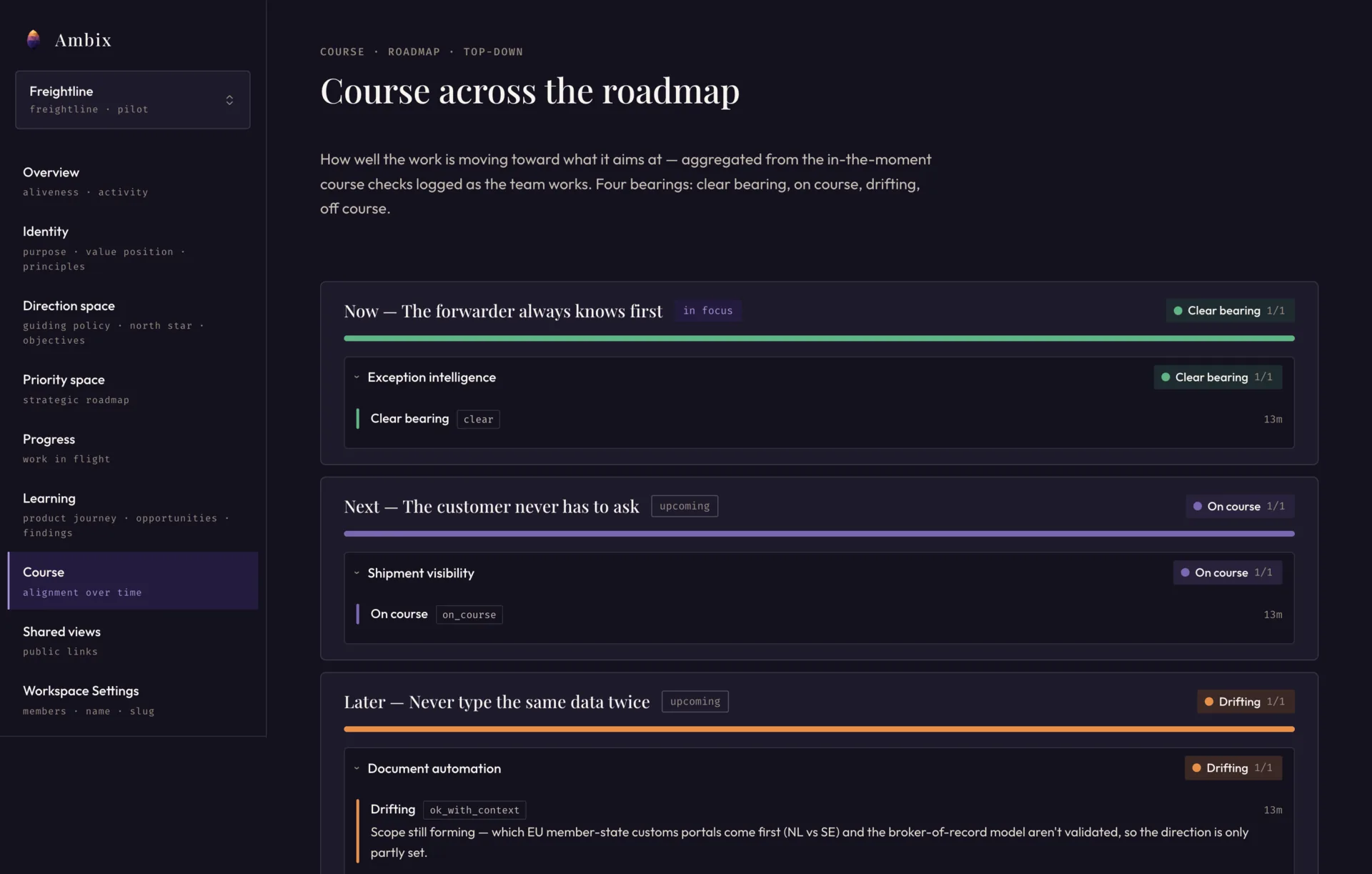
Everyone on the team opens these — read-only views of the shared product context, no AI session needed. Swipe through.
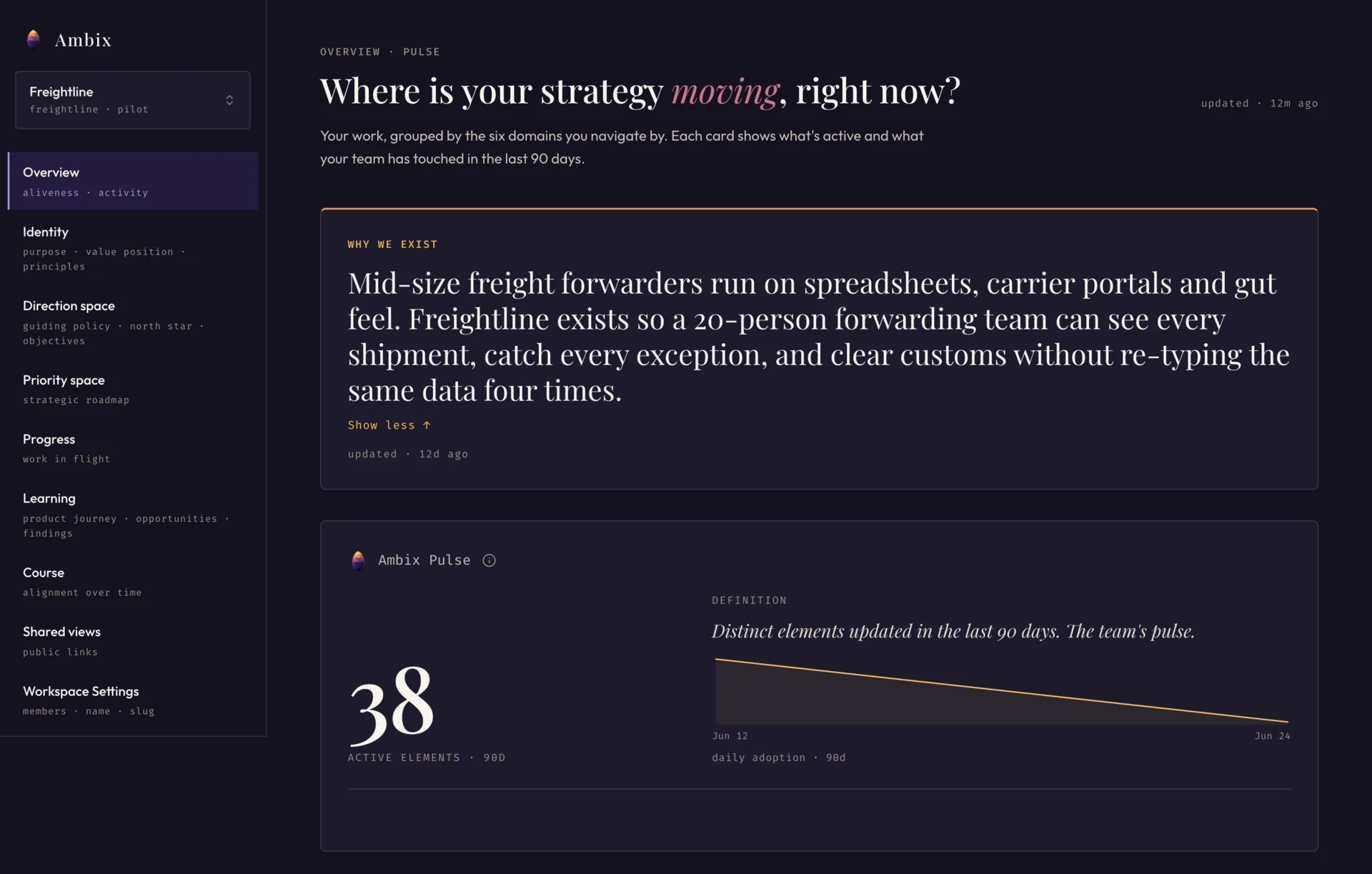
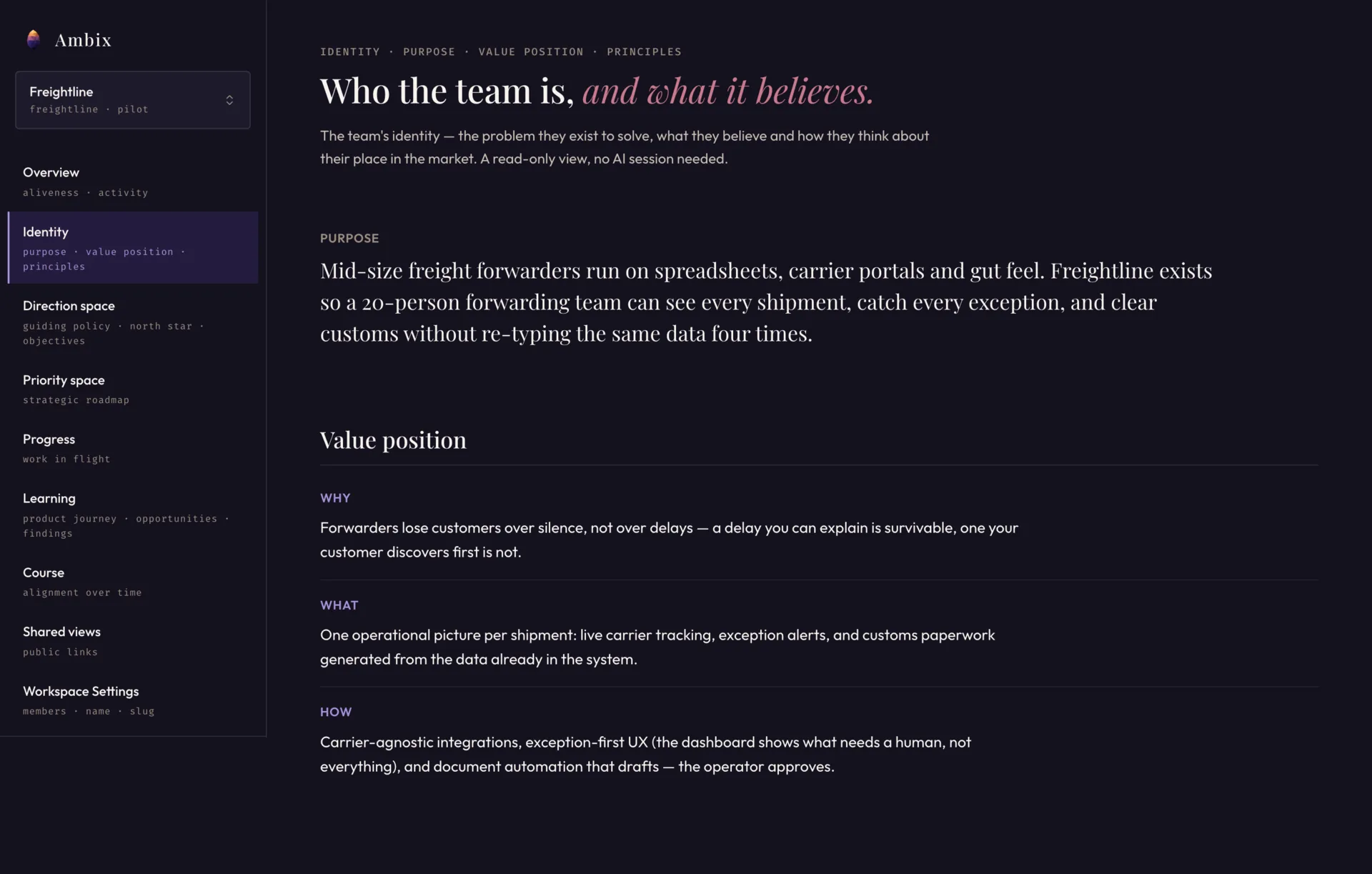
Why do we exist?
Where are we going?
For whom are we building?
What do we focus on next?
What are we learning?
How do we move forward?
Ask your AI client why we’re building this — it already knows. The thinking behind it →
Sign up, create a workspace, and connect the AI tools you already use. No invite needed — you own the workspace and control who joins.